Short-form creator
Describe a six-second hook with one subject, one action, and a recognizable setting for a social post.
You get a fast visual draft that can guide a caption, edit, or follow-up shot.
Prompt to video
Use runway ai text to video free workflows to turn a clear written idea into a short visual sequence, then refine the result with better prompts and references.
Format origins
Text-to-video is an input/output format: your words define the scene, motion, mood, and camera intent, while the model returns moving images.
Runway emerged around the idea that machine learning could become a practical medium for artists, filmmakers, and designers rather than a hidden production layer.
Generative video tools made it possible to describe scenes in natural language and receive short clips, opening a new path from concept writing to visual iteration.
Runway's Gen-2 generation tools helped creators explore text prompts, image references, and short-form visual ideas without beginning from a conventional camera shoot.
Newer video models placed more attention on temporal consistency, camera movement, subject behavior, and the relationship between a prompt and the resulting shot.
The format is now most useful when creators treat each generation as a draft: write a specific brief, inspect the clip, adjust one variable, and generate again.
Input and output
The useful distinction is not simply words versus pictures. It is the difference between directing a scene and receiving a time-based result that must hold together from frame to frame.
| Text prompt | Generated video | |
|---|---|---|
| Role | Sets the creative brief and visual intention | Shows how the brief was interpreted over time |
| Content | Subject, setting, action, style, lighting, and camera cues | Characters, objects, movement, composition, and atmosphere |
| Control | Easy to revise by changing wording or emphasis | Requires review because motion may drift or details may change |
| Time | Usually written and edited in seconds | Unfolds across a sequence with a beginning, middle, and end |
| Best use | Ideation, direction, shot planning, and variation | Concept clips, social assets, mood pieces, and visual tests |
| Typical weakness | Ambiguous language can produce inconsistent intent | Hands, text, faces, physics, and continuity may need iteration |
| Success signal | A prompt that describes one focused shot | A clip whose subject and motion remain understandable |
Tool preview
Start with one focused shot instead of a full storyboard. A useful prompt names the subject, action, setting, visual treatment, and camera movement in that order.
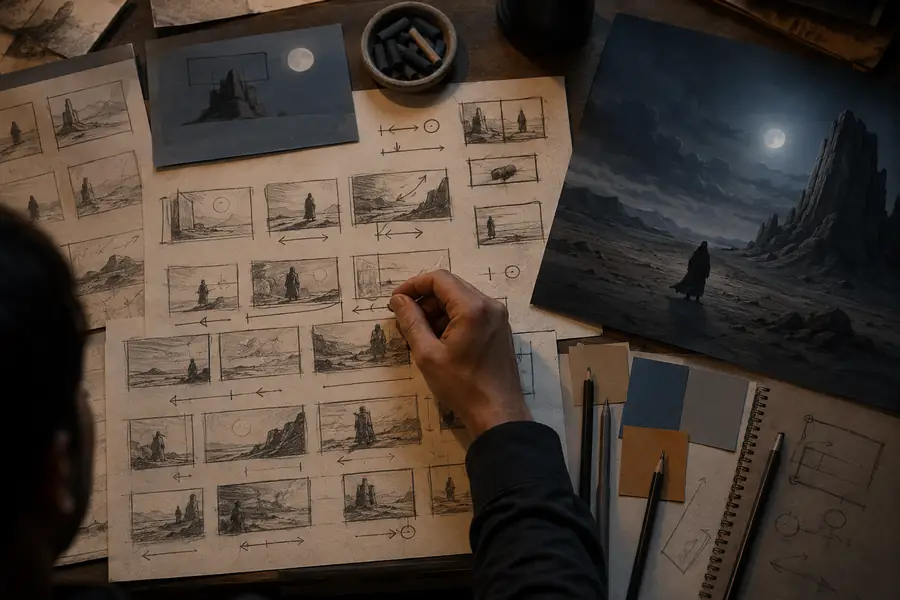
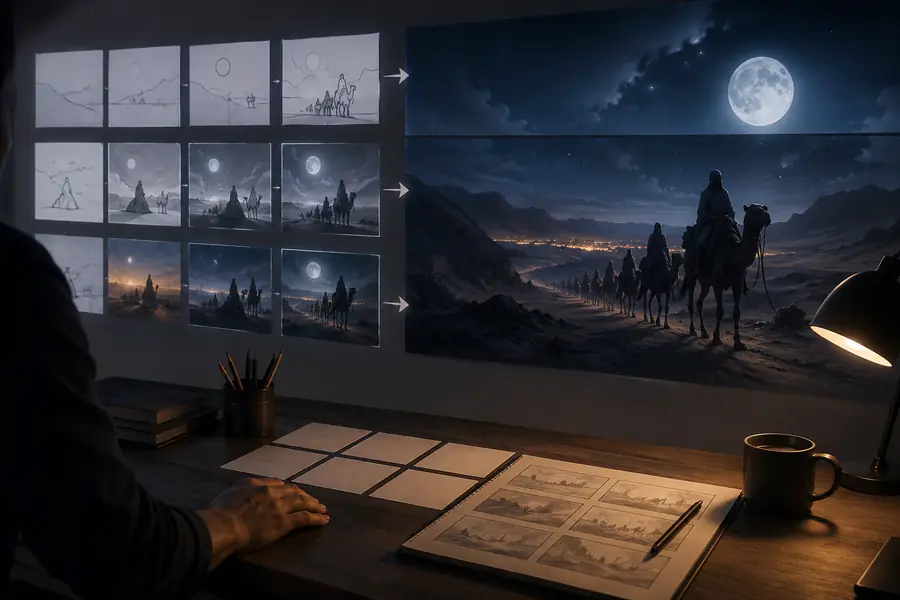
The strongest comparison is between your intended shot and the generated clip: check subject identity, motion, framing, and whether the visual style matches the brief.
Written directionVideo resultPrompt applications
The same input/output format can support very different jobs. Each use case benefits from a prompt that states the desired outcome before adding decorative detail.
Describe a six-second hook with one subject, one action, and a recognizable setting for a social post.
You get a fast visual draft that can guide a caption, edit, or follow-up shot.
Write a camera-aware shot description to test pacing, blocking, and atmosphere before production.
You can compare alternate visual directions without committing to a finished shoot.
Turn a product mood, color system, and movement idea into a brief visual concept.
The resulting clip helps stakeholders react to tone and composition earlier.
Describe a simple process, place, or visual metaphor that would be difficult to film quickly.
A generated sequence can make an abstract explanation more concrete and memorable.
Workflow signals
Text-led generation compresses the distance between an idea and a visual draft, but it does not remove the need for selection, checking, and revision.
Creation flow
A reliable text-to-video workflow is short enough to repeat and specific enough to reveal what needs changing.
Choose a single subject and action. Add the setting, lighting, visual style, and camera movement only after the core action is clear.
Submit the prompt through the tool handoff and treat the first result as a visual interpretation, not a final answer.
Check whether the subject stays recognizable, the action reads naturally, and the camera movement supports the intended moment.
Change one weak element at a time, such as the action verb, framing, speed, or lighting, then compare the next result with the original brief.
Variant FAQ
These answers focus on the free, prompt-led version of the workflow and what to expect when moving from written direction to generated footage.
Yes. Text-to-video begins with a written description rather than an uploaded clip. Describe the subject, action, environment, and camera intent, then use the generated result as a draft to review.
Start with one clear subject and one visible action. Add the setting, time of day, lighting, visual style, shot type, and camera movement only when they help define the result.
It is better viewed as a way to create short concepts, variations, and visual starting points. Final suitability depends on the clip's motion, continuity, resolution, usage terms, and how much editing your project requires.
A prompt guides the model but does not control every frame. Ambiguous wording, several competing actions, complex interactions, or small details such as readable text can lead to results that need another iteration.
Make the prompt more concrete, reduce the number of simultaneous actions, and specify the camera movement. Compare each draft with your original shot goal and revise one variable instead of rewriting everything at once.