Short-form creator
A creator has a strong Reel idea but needs a visual opening before filming the full piece.
Build a brief concept clip that tests the hook, mood, and movement before investing in a full shoot.
Instagram channel guide
What is Runway AI on Instagram? It usually means AI-assisted visuals, short clips, or creative demonstrations shared through Instagram formats. The useful question is not only what the tool can make, but how to shape the result for a real feed, Reel, or Story.
Audience friction
Instagram rewards an immediate visual hook, but rushed AI content can look generic, confusing, or disconnected from the account’s usual voice. These workflows start with the audience moment first, then use AI to support it.
A creator has a strong Reel idea but needs a visual opening before filming the full piece.
Build a brief concept clip that tests the hook, mood, and movement before investing in a full shoot.
A product launch needs several visual directions for Instagram without repeating the same static product shot.
Explore alternate scenes, transitions, and pacing while keeping the product claim and brand message under review.
A weekly content calendar has themes but lacks quick visual references for Stories and Reels.
Turn each theme into a concise storyboard that gives editors and stakeholders something specific to react to.
A tutorial needs an engaging visual metaphor for an abstract idea such as motion, scale, or transformation.
Create a short illustrative sequence, then add the explanation, captions, and context in the normal Instagram edit.
Workflow choices
The best Instagram result depends on whether AI is being used to test an idea, add an insert, or create a complete visual draft. This comparison keeps the role of the tool clear.
| Creator-led post | Runway AI-assisted draft | |
|---|---|---|
| Starting input | A filmed clip, product image, or written post idea | A text prompt, reference image, or rough visual direction |
| Primary role | AI supports a finished story with selected inserts | AI helps explore the visual treatment before final editing |
| Best Instagram use | Reels with authentic footage, commentary, or demonstrations | Concept teasers, mood shots, transitions, and visual experiments |
| Human contribution | The creator controls framing, performance, context, and pacing | The creator reviews generations, selects useful moments, and adds meaning |
| Quality check | Confirm the edit feels natural beside the original footage | Check motion, hands, text, faces, objects, and continuity before posting |
| Publishing step | Add captions, cover art, accessibility text, and a clear caption | Treat the generated clip as a draft asset, then finish it in the Instagram workflow |
Visual transformation
A useful example is a three-second visual hook for a Reel about a new product. The before state is a plain product image; the after state gives the editor a moving concept that still needs brand and accuracy review.
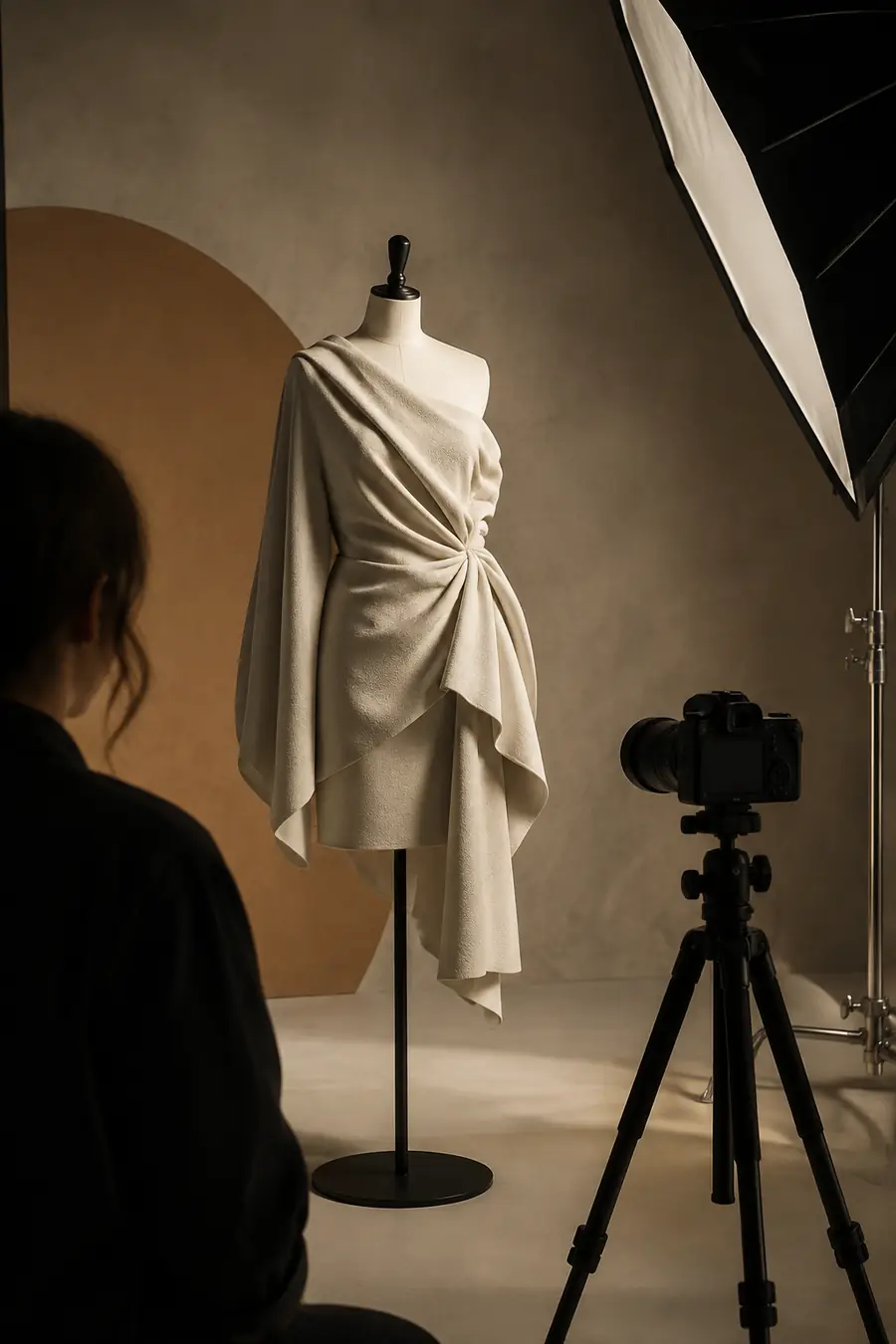
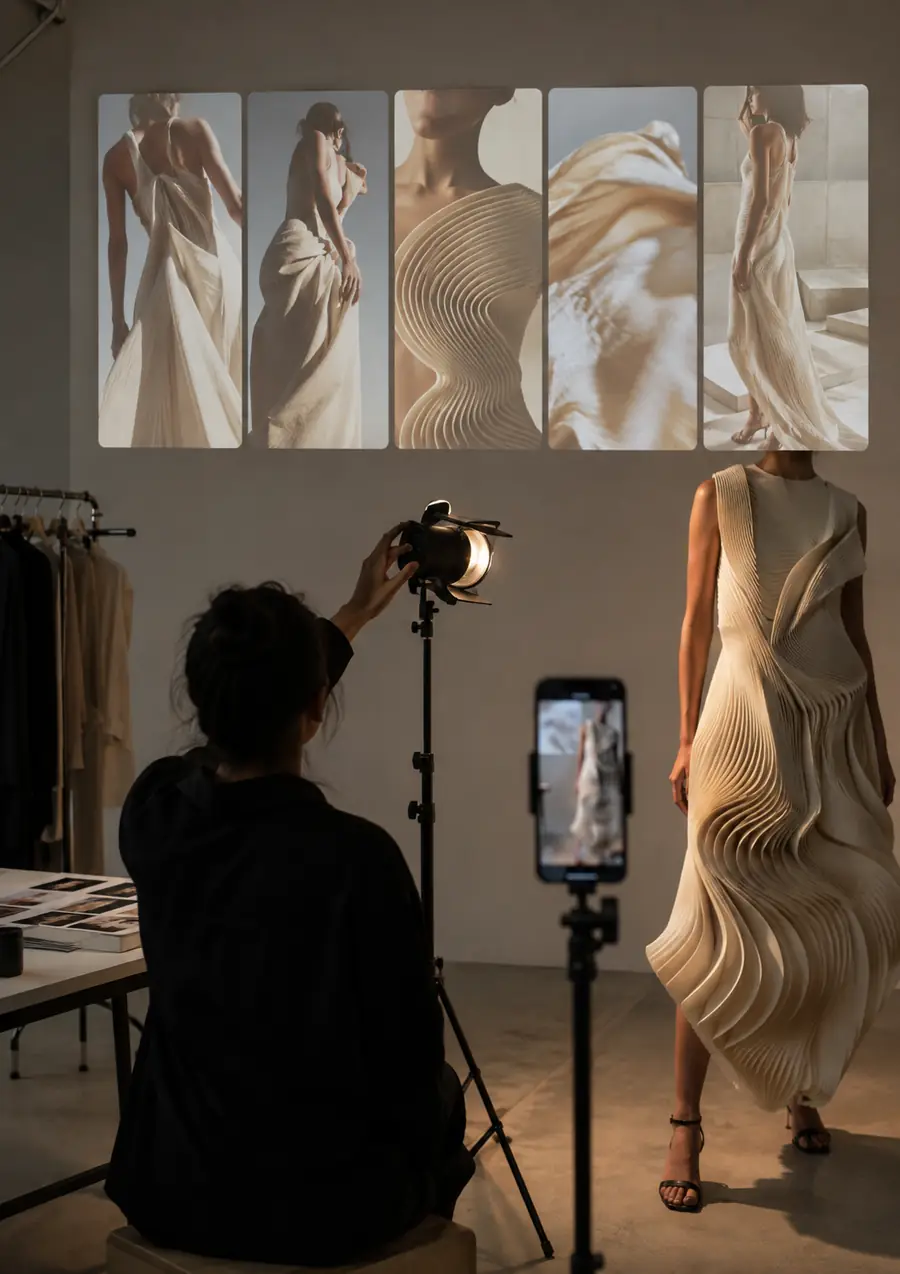
The generated frame is a creative draft, not a final claim about the product.
Before: static referenceAfter: motion conceptPublishing guardrails
Use AI to widen the creative options, not to hide what viewers need to know. This lightweight planning calculator estimates review effort for a batch of short Instagram concepts; it is not a production quote.
MB
min
checks
Practical review
A repeatable check prevents the speed of AI-assisted production from outrunning the care required for public social content.
Write down what the post is promising, showing, or implying. Separate imaginative mood from factual product, person, or place claims.
Review every selected frame for visual errors, accidental likenesses, unreadable generated text, misleading details, and continuity problems.
Add context, captions, accessible descriptions, rights-cleared audio, and any audience-facing disclosure that applies to the content.
Common questions
These answers clarify the phrase people use when they encounter AI-assisted video ideas in an Instagram feed.
It generally refers to videos, images, demonstrations, or creator discussions made with Runway AI and shared on Instagram. The phrase can describe the tool behind a post, the visual style, or a workflow shown in a Reel rather than a separate Instagram feature.
It can help develop short visual concepts and clips that may be adapted for Instagram formats. A creator still needs to review the output, edit it for the intended placement, and add captions, context, and other publishing details.
No. Runway AI is a separate creative AI platform, while Instagram is the channel where someone may publish or demonstrate the result. A post can combine an AI-generated asset with Instagram’s own editing, music, caption, and publishing tools.
Start with a specific audience moment, such as a Reel hook, Story transition, or visual explanation. Generate a small set of directions, keep only the useful material, and finish the post with human editing and a clear review of accuracy, rights, and disclosure needs.