Video tool comparison

runway ai vs kling ai for real-world video workflows

This runway ai vs kling ai comparison focuses on the tradeoffs that affect finished clips: visual quality, motion control, iteration time, and the cost of getting a usable result.

At a glance

Total-cost table

The cheapest option is not always the one that saves the most time. Compare the full workflow, including retries, cleanup, and the amount of manual direction each tool may require.

Runway

Top pick

Best for a broader production workspace and controlled creative iteration.

Works well

  • Supports a wider range of video-making tasks in one creative environment.
  • Useful when you need to refine shots, extend ideas, or combine generated media with editing.
  • Often easier to evaluate as part of an existing production workflow.

Trade-offs

  • Complex projects can involve more settings and a steeper learning curve.
  • Several failed generations may still be needed before motion and composition align.
  • The best result may require additional editing after generation.
Kling

Best for testing cinematic motion and prompt-led clips with a focused workflow.

Works well

  • A direct interface can make quick generation experiments feel approachable.
  • Useful for exploring movement, camera ideas, and dramatic visual concepts.
  • A strong candidate when the goal is a short generated clip rather than a complete edit.

Trade-offs

  • A generated clip may still need another application for assembly and finishing.
  • Longer or more exact sequences can expose continuity and subject-consistency issues.
  • The total effort depends heavily on retries and how precisely the prompt describes motion.

Dimension by dimension

Where quality differs

Both tools can produce appealing samples, but quality is not one universal score. The better choice depends on whether your priority is a striking single shot, repeatable direction, or a finished sequence.

Runway Kling
Best fit Multi-step creative production and shot refinement Prompt-led experiments and cinematic short clips
Prompt interpretation Strong when the prompt includes subject, setting, action, and style Strong when the prompt emphasizes visible movement and atmosphere
Motion direction Useful for directing a shot inside a broader creative workflow Often appealing for dramatic movement and camera-led concepts
Subject consistency More manageable when you can iterate and edit around weak frames Can require repeated generations for precise character or object continuity
Editing after generation Better suited to workflows that include extension, compositing, or cleanup May require a separate editor for assembling multiple clips
Visual style exploration Good for developing a concept across several related shots Good for quickly testing bold, polished, or cinematic directions
Control versus speed More control can mean more decisions before the final export A focused path can make early experimentation feel faster
Production readiness A stronger fit when the output must join a larger edit A stronger fit when the generated shot is the main deliverable

Workflow timing

Where time differs

Generation speed is only one part of the clock. Planning the prompt, judging failed takes, preserving continuity, and finishing the edit can matter more than the first render.

or

Option 1

You need one striking concept clip

Start with Kling for a focused prompt-to-video experiment.

A shorter path from idea to motion can help you compare visual directions before investing in a larger production.

or

Option 2

You need several shots that belong together

Favor Runway as the central workspace.

A broader workflow gives you more room to revise, combine, and shape generated material instead of treating every clip as a finished island.

or

Option 3

You are still learning generative video

Test the same short prompt in both tools, then judge the usable take rather than the fastest first result.

Different prompts reward different interfaces, and a small side-by-side trial reveals your own tolerance for retries and cleanup.

A practical scorecard

Compare with the same subject, action, and duration
2 tools
Review quality, continuity, and editing effort
3 checks
Pick the workflow that reduces your next bottleneck
1 final choice
No model produces a perfect take every time
0 guarantees
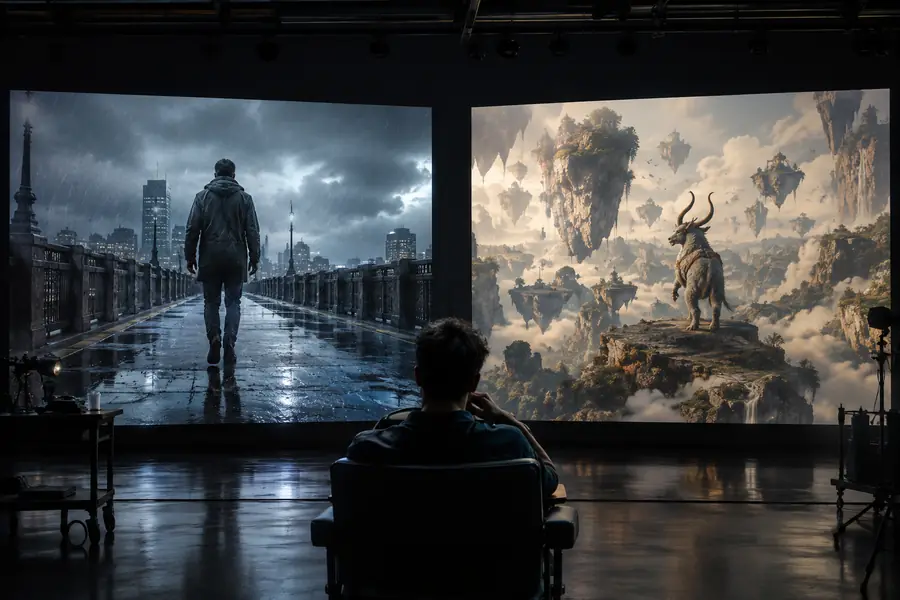
Prompt planning stage for an AI video comparison
Prompt and first take
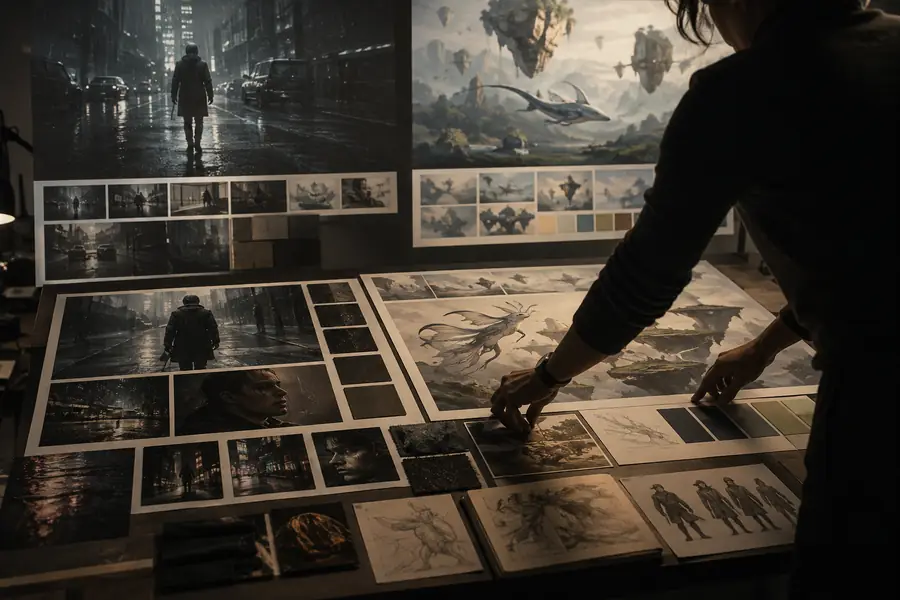
Polished AI-generated video concept ready for review
Selected and refined result

The real comparison is the path from idea to usable shot, not just the preview frame.

Prompt and first takeSelected and refined result

Honest limitations

1

Neither tool guarantees continuity

A person, prop, or location can change between frames or across separate generations, especially when the action becomes complex.

What to do instead

Use shorter shots, repeat the important visual details, and assemble the strongest takes in an editor.

2

A prompt cannot replace shot planning

Vague instructions often produce attractive but unusable movement, unclear subject actions, or camera motion that does not support the story.

What to do instead

Describe the subject, action, framing, camera behavior, lighting, and intended mood in that order.

3

A beautiful clip may not be a finished video

Generated footage still needs selection, pacing, sound, titles, color decisions, and sometimes masking or cleanup.

What to do instead

Choose the tool that fits your finishing workflow, not only the one with the most impressive isolated sample.

4

Cost changes with retries

A nominally affordable generation can become expensive in time or usage when you need many variations to fix motion, text, faces, or composition.

What to do instead

Prototype with short prompts and low-commitment tests before attempting a long or highly specific sequence.

Common questions

Comparison FAQ

Kling can be the better choice for a focused experiment centered on cinematic motion or a single generated clip. Runway can be the better fit when you need a broader workspace for iteration, editing, and combining multiple creative steps. The right choice depends on the project rather than a universal ranking.

Neither tool is consistently best for every prompt, subject, and motion style. Compare them using the same reference, action, framing, and duration, then inspect temporal consistency and the amount of cleanup required. A dramatic preview is less useful if the usable frames do not support your final edit.

Kling may feel faster when you want to move directly from a concise prompt to a short experiment. Runway may save time later when the project needs repeated revisions, connected shots, or editing in the same broader workflow. Include retries and finishing work when measuring speed.

Switch when Kling solves a specific problem that is slowing your current process, such as exploring a different motion style or testing cinematic concepts quickly. Do not switch solely because one sample looks better; first compare several matched prompts and count the usable results, retries, and finishing steps.

Yes. One practical approach is to use the tool that gives you the strongest initial motion for concept shots, then bring selected clips into the workspace that best supports editing and assembly. Keep prompts, references, aspect ratios, and shot notes consistent so the combined footage feels intentional.

Try Runway
Try Runway