Option 1
You have a clear visual idea but no source material
Choose text-to-video prompting.
A written description is a practical way to test mood, setting, action, and camera direction before producing finished footage.
Definition guide
What is runway ai video? It is generative video software that uses artificial intelligence to create or transform short moving-image clips from written prompts, reference images, or existing footage. Runway AI is best understood as a creative production tool, not a one-click replacement for a full film crew.
Runway AI turns an idea into a visual result through a short, iterative workflow. The more specific the direction and reference material, the easier it is to guide the video output.
Write a prompt that names the subject, setting, movement, camera behavior, lighting, and visual style. For example, describe a cyclist crossing a wet city street at dawn rather than asking for a generic cinematic clip.
Choose a text-led workflow or provide an image, frame, or clip to anchor the result. A reference helps Runway AI preserve the broad composition while applying motion and atmosphere.
Generate a short result, inspect continuity and motion, then adjust the prompt or source image. Iteration is normal because small wording changes can affect framing, subject identity, and movement.
The definition becomes more useful when you compare it with the specific jobs people bring to the platform.
Different starting points suit different creative goals. Choose the simplest input that gives you enough control over the final scene.
Option 1
Choose text-to-video prompting.
A written description is a practical way to test mood, setting, action, and camera direction before producing finished footage.
Option 2
Choose an image-to-video workflow.
The image provides composition, color, and subject guidance, while the prompt can focus on movement and timing.
Option 3
Choose an editing or transformation workflow.
Starting with captured material can preserve a real performance or location while adding controlled generative changes.
Runway AI can accelerate visual exploration, but its output still needs judgment and, often, multiple attempts. These limits matter when planning a real production.
A person, object, costume, or location may change between frames or generations, especially during complex movement.
What to do instead
Use shorter shots, consistent reference images, and a defined visual style. Assemble continuity in an editor rather than expecting one generation to carry a whole scene.
Generative controls are useful for transforming imagery, but they do not replace the frame-accurate control of a conventional video editor.
What to do instead
Use Runway AI for ideation or selected shots, then finish timing, sound, transitions, and delivery in an editing workflow.
Prompts with many subjects, interactions, signs, or camera moves can produce omissions, strange motion, or ambiguous results.
What to do instead
Prioritize the subject and main action first, then refine one visual variable at a time.
Generated scenes may contain visual artifacts, inaccurate details, or content that needs review before publication.
What to do instead
Check every frame, disclose synthetic media where appropriate, and keep a human approval step before sharing or delivering the video.
These numbers describe a practical way to think about the process, not a promise about output quality or generation speed.
The difference between a source image and a generated clip is not only motion. The prompt also tells the system how the camera, atmosphere, and subject should behave.
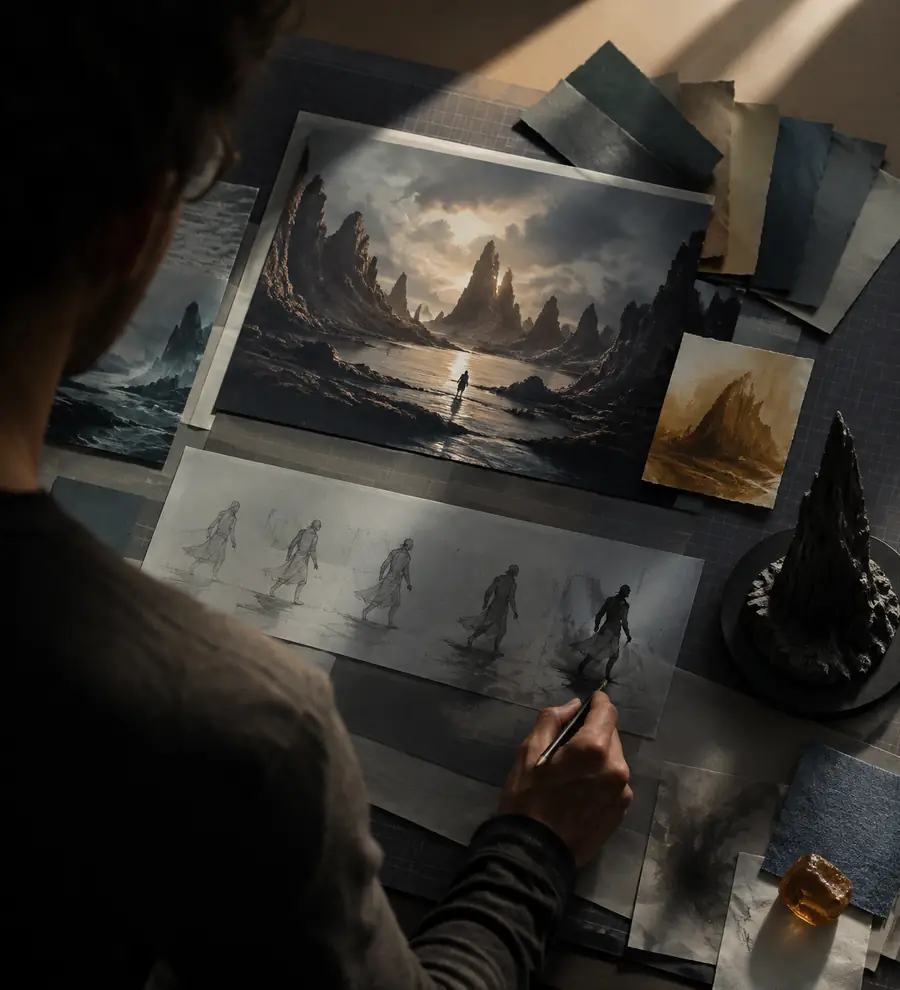
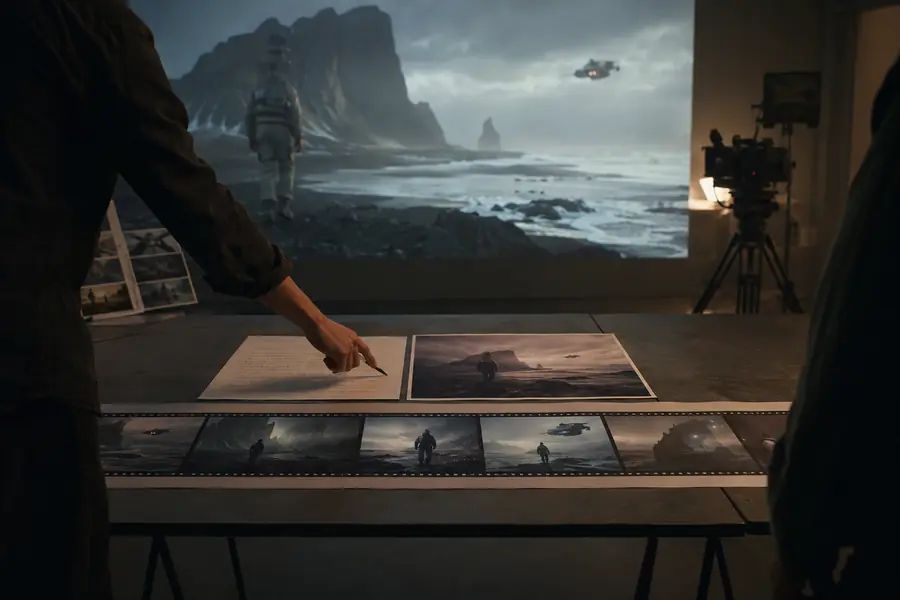
Use the reference to anchor composition; use the prompt to direct motion.
Reference imageVideo resultRunway AI video sits within a broader shift from traditional editing toward prompt-assisted visual production. The timeline helps explain why today's tools combine generation, references, and editing.
Runway emerged around tools designed to make advanced machine-learning techniques more accessible to artists, designers, and filmmakers.
Generative video workflows moved from research demonstrations toward short clips that creators could direct with prompts and visual references.
Runway's Gen-2 era made it more practical to explore text-to-video and image-to-video ideas as part of a repeatable creative process.
Newer model generations focused attention on movement, camera direction, consistency, and the gap between an impressive sample and production-ready footage.
The most useful approach is hybrid: use Runway AI to explore or transform shots, then review, edit, sound-design, and finish the selected material with human judgment.
These answers address the basic question behind this guide: what the tool is for and how people typically use it.
Runway AI is used to create, transform, and explore visual media with generative artificial intelligence. People use it for concept development, short video experiments, image animation, visual effects, and selected production shots.
Runway AI video is short-form video created or modified from instructions such as a text prompt, an image, or existing footage. The system interprets those inputs and generates a visual result that usually needs review and refinement.
It can help develop scenes, shots, transitions, and visual ideas, but it is not a reliable substitute for an entire production process. A complete movie still requires planning, performance or source material, editing, sound, continuity checks, and human creative decisions.
Filmmakers, marketers, designers, educators, social creators, and curious beginners can use it to test visual ideas or produce short clips. The best workflow depends on the user's goal, reference material, tolerance for iteration, and need for precise control.